Welcome to Rhebar
1.Press and hold the Feed button on the right until you hear one beep, then release it to start label calibration.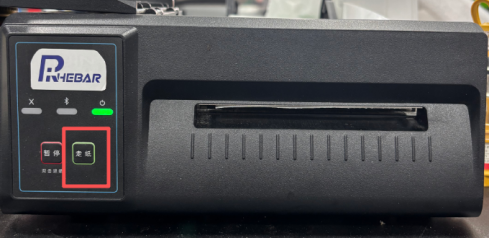
2.Press and hold the Feed button on the right until the buzzer beeps twice, then release it to print a self-test page.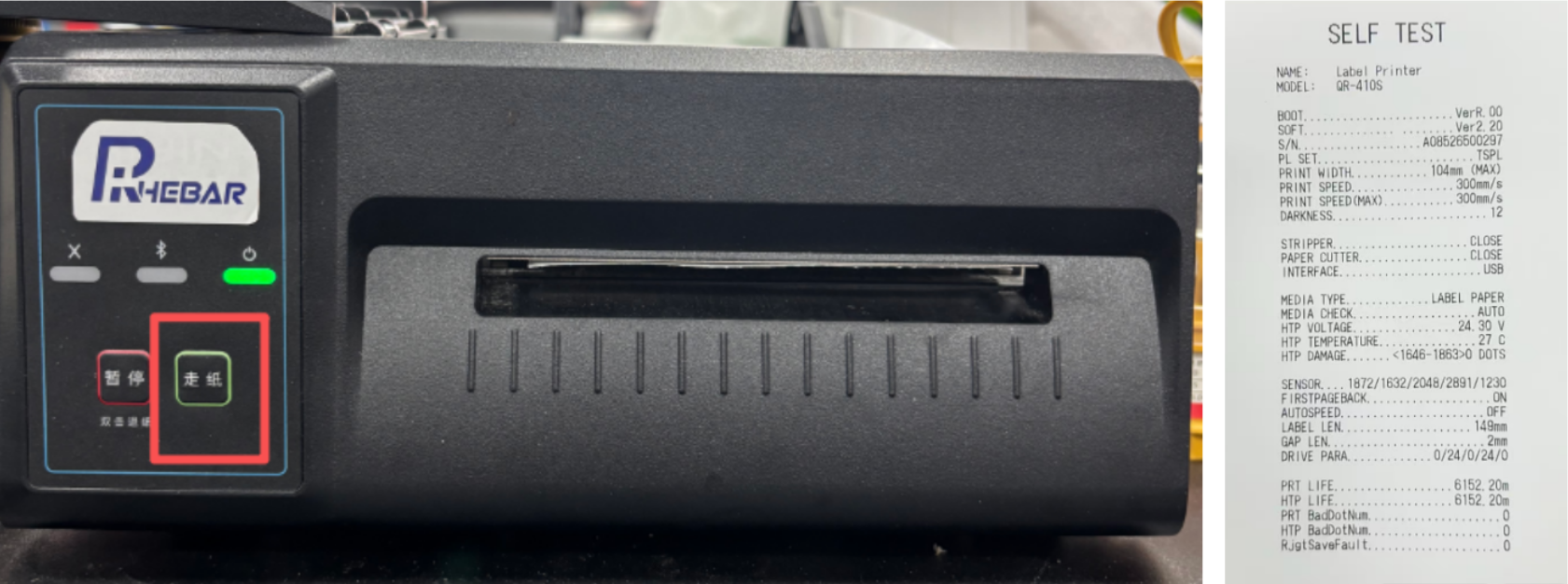
Happy Printing!
Was this article helpful?
That’s Great!
Thank you for your feedback
Sorry! We couldn't be helpful
Thank you for your feedback
Feedback sent
We appreciate your effort and will try to fix the article