Selamat datang! Terima kasih telah menggunakan printer Rhebar:
1. Silakan merujuk ke video untuk memasang bracket label.2. Pastikan mesin printer dalam keadaan mati.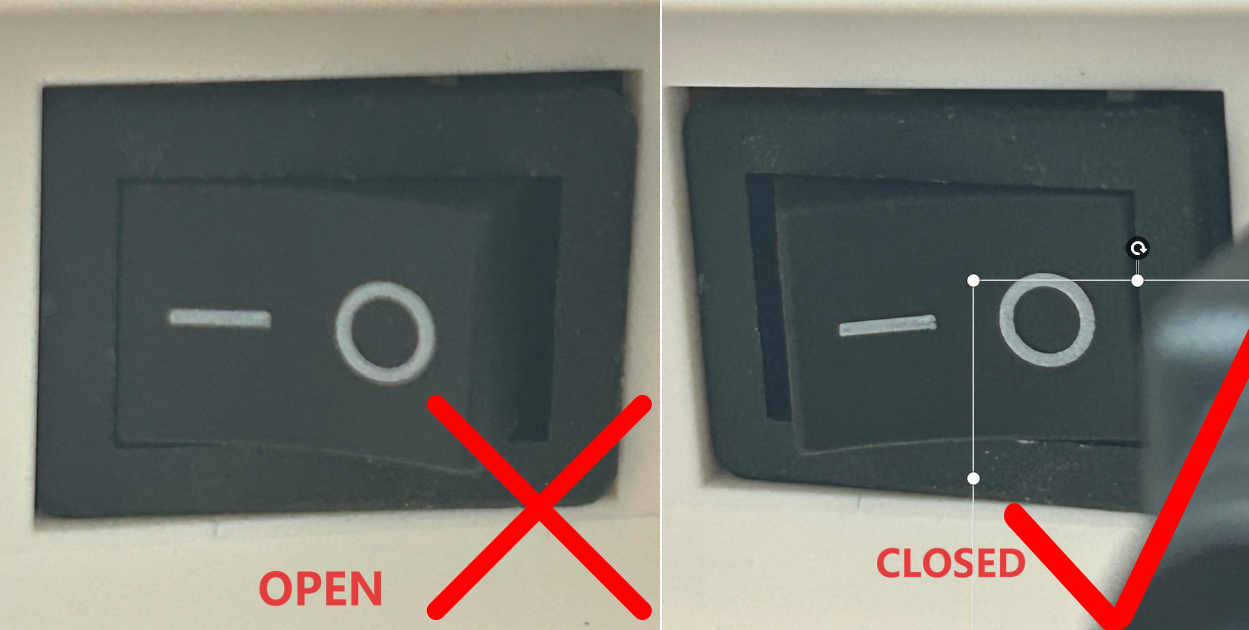
3. Silakan merujuk ke video untuk memasang kertas label, menghubungkan daya printer, dan mencetak halaman self-test.
Catatan: Pasang kertas label dengan sisi cetak menghadap ke atas.
4.Download the printer driver from Button:

5. Buka file driver dan ikuti petunjuk untuk menginstal driver printer serta mencetak halaman uji coba. (Anda juga dapat menonton video demonstrasi.)Enjoy your printing!
Was this article helpful?
That’s Great!
Thank you for your feedback
Sorry! We couldn't be helpful
Thank you for your feedback
Feedback sent
We appreciate your effort and will try to fix the article