Selamat Datang di Rhebar
1.Tahan lama tombol Feed di sebelah kanan hingga terdengar satu bunyi bip, lepaskan, dan printer akan mengkalibrasi label.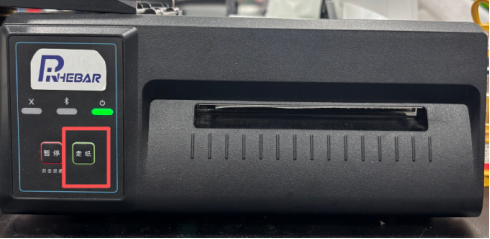
2.Tahan lama tombol Feed di sebelah kanan hingga terdengar dua bunyi bip berturut-turut, lepaskan, dan printer akan mencetak halaman uji.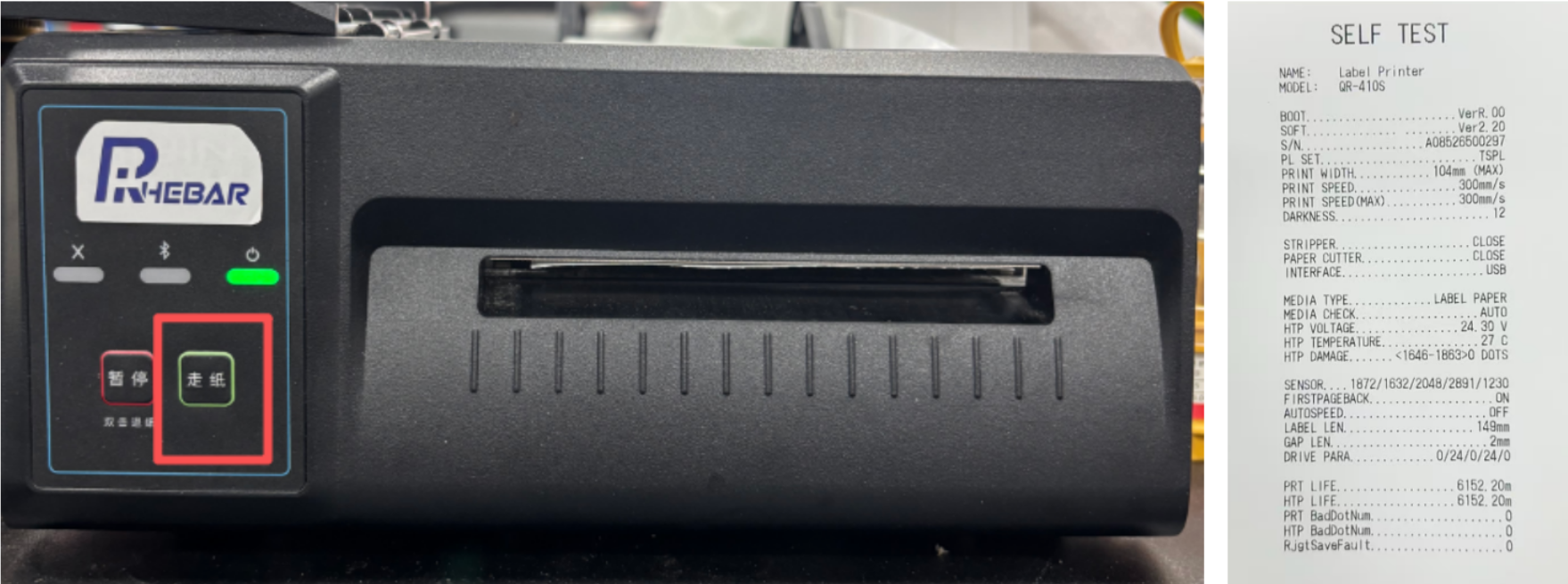
Selamat menggunakan !
Was this article helpful?
That’s Great!
Thank you for your feedback
Sorry! We couldn't be helpful
Thank you for your feedback
Feedback sent
We appreciate your effort and will try to fix the article