Welcome to the Rhebar printer!
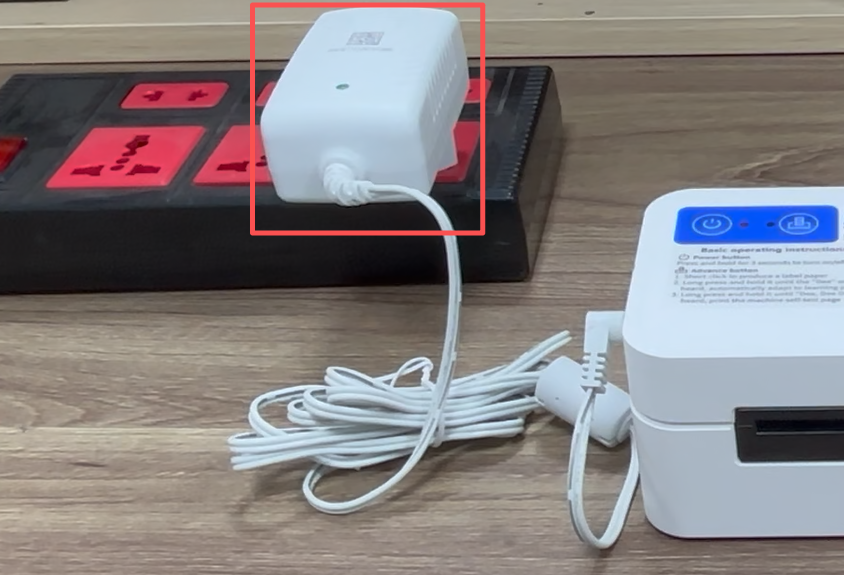
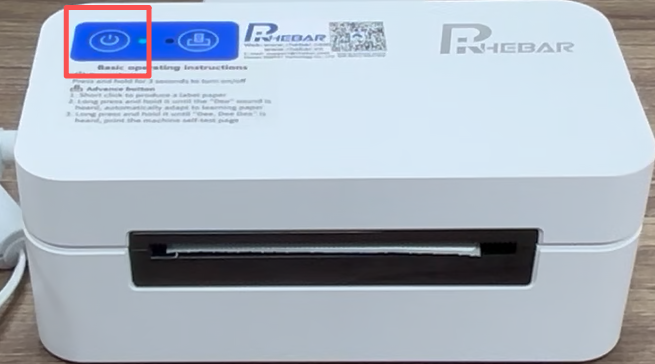
1.Connect the power adapter to the printer and a power outlet. Press and hold for 3 seconds to turn on.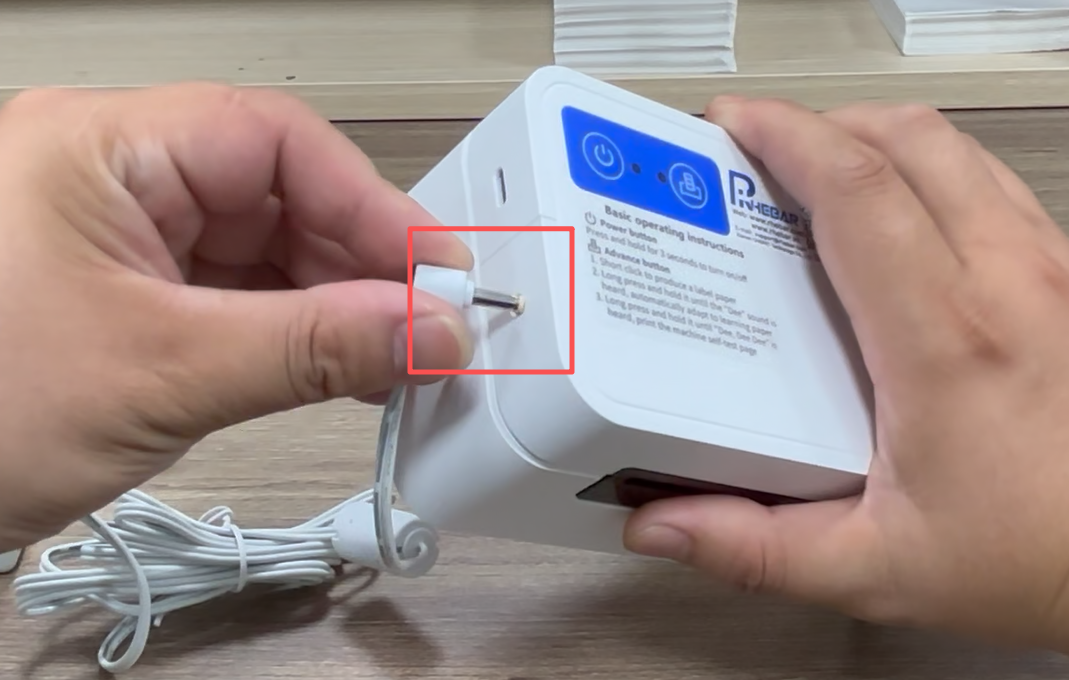
2.Press the OPEN button to lift the top cover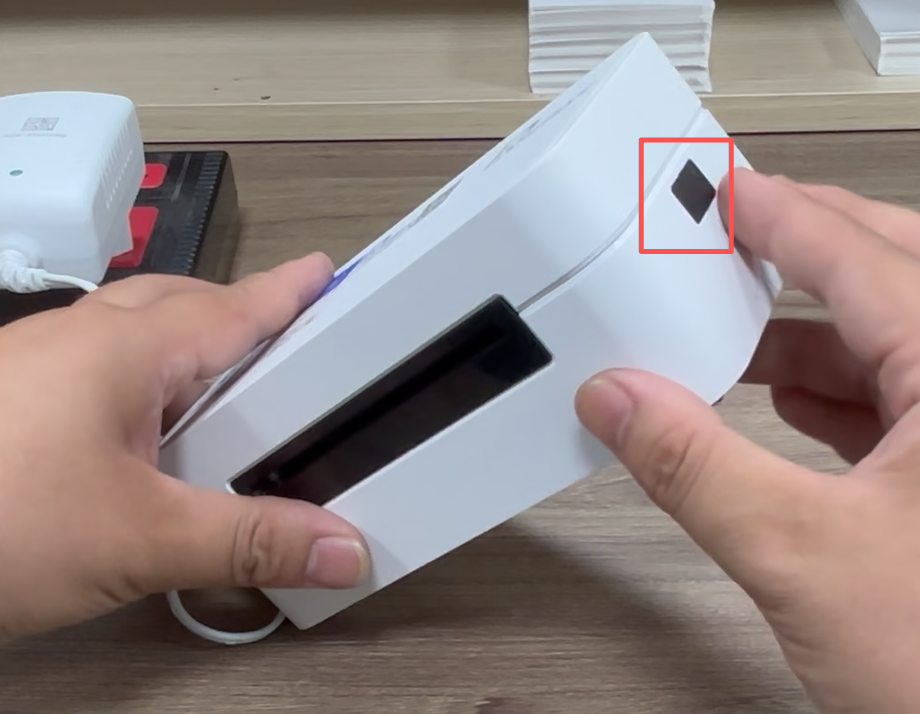
3.Load the labels and adjust the media guides to fit the label width. Ensure the printable side is facing up.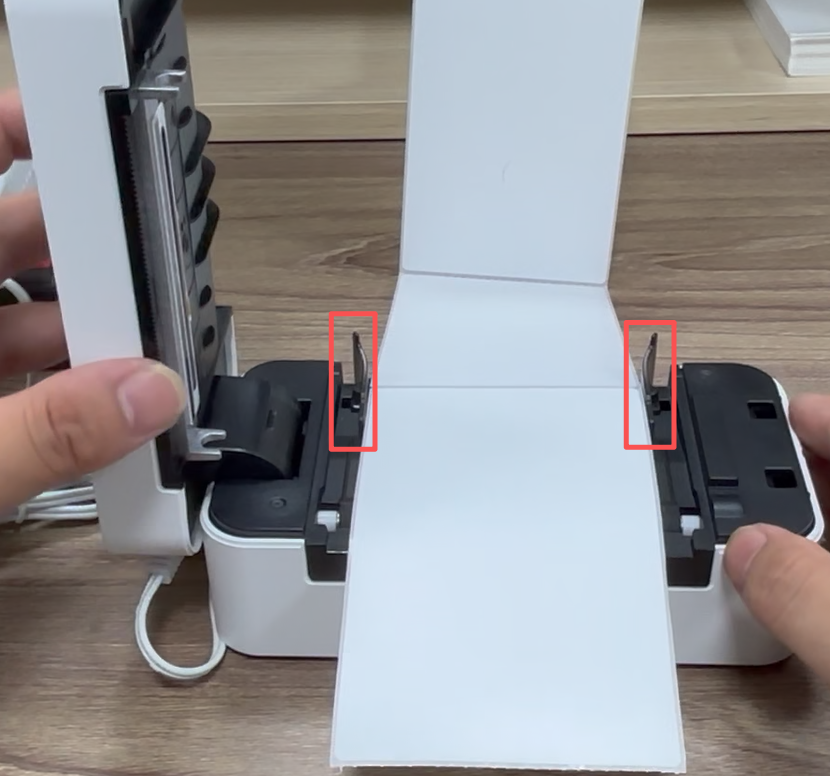
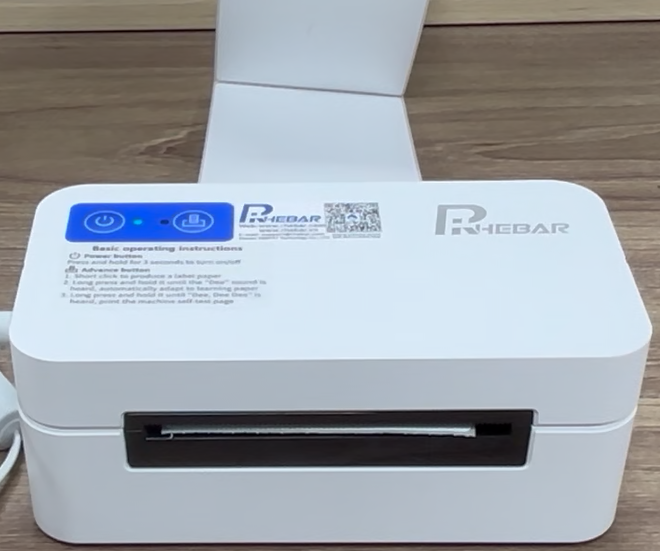
4.Press and hold the Feed button until you hear a "dee, dee dee" sound to print a self-test page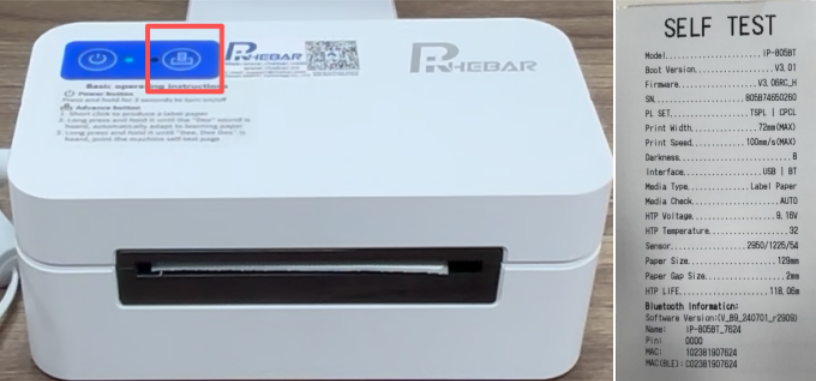
5.For driver installation, please refer to the video or the user manual belo
(Tips:Please select the corresponding printer model.)
6.Connect the printer to the computer using a USB cable.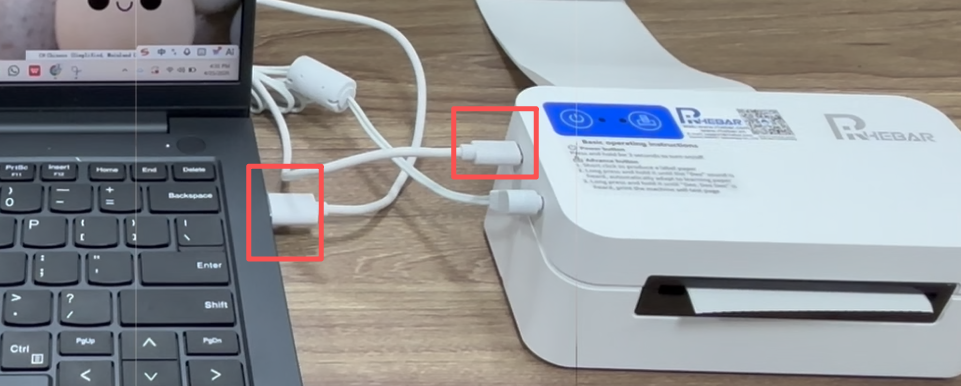
7.Download the printer driver from Button:

8.If your computer suggests that the driver is malware. Please do not worry, it is not malware. Please follow the method below to set it up.
If your computer does not have this prompt, go directly to step 11
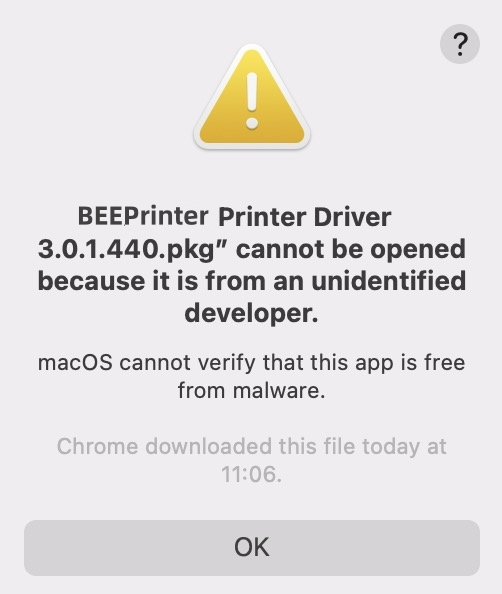
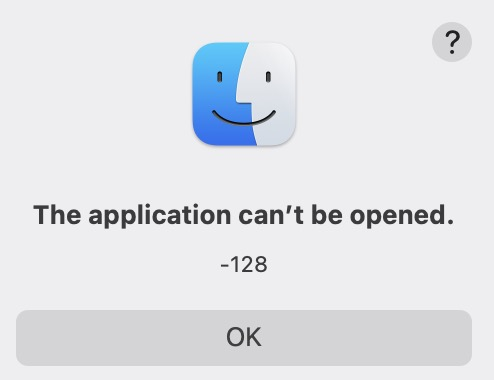
9.Click "Security&Privacy"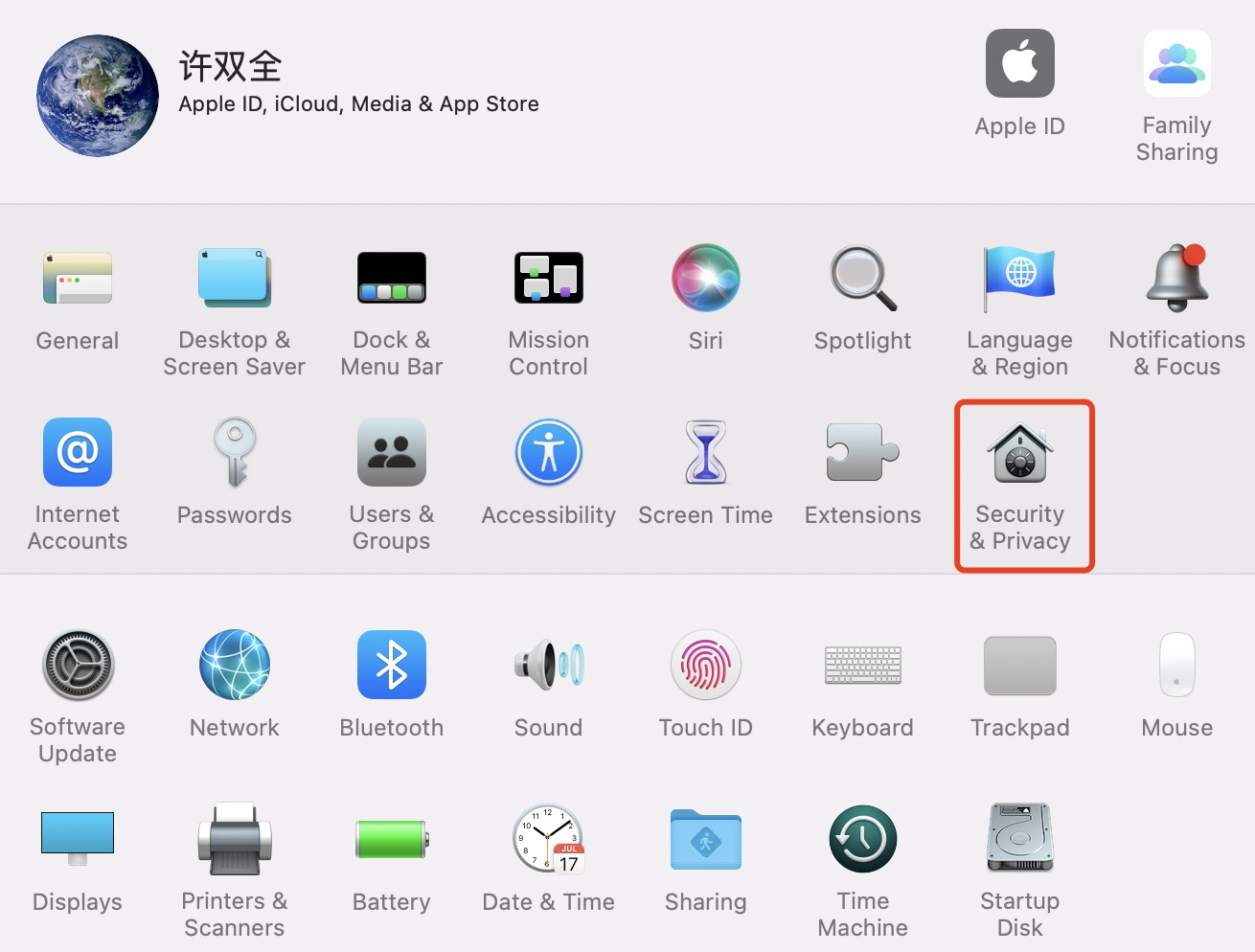
10.Click"Open Anyway"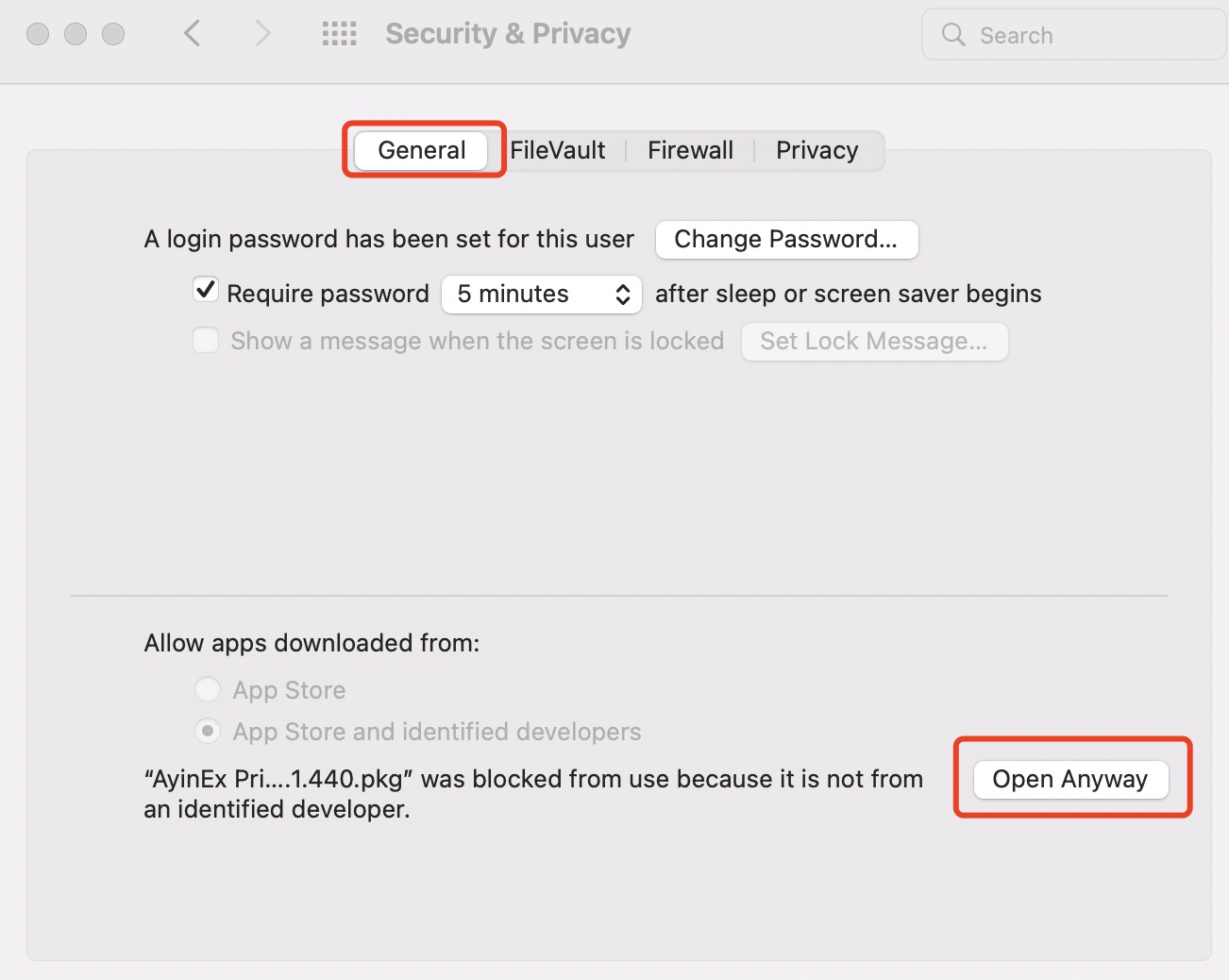
11.Click"Open"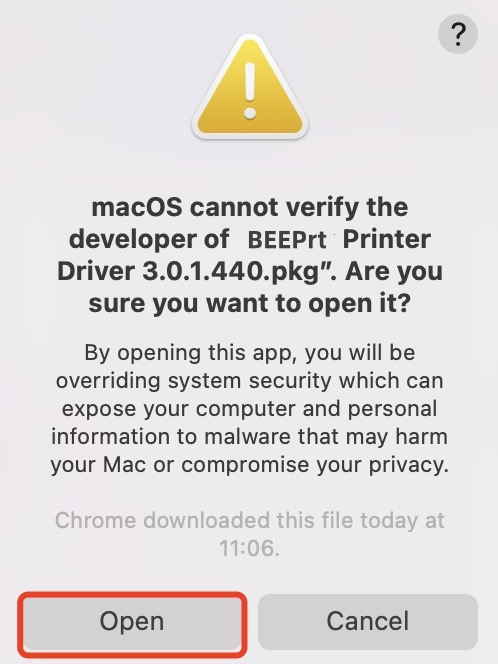
12.Click“Continue”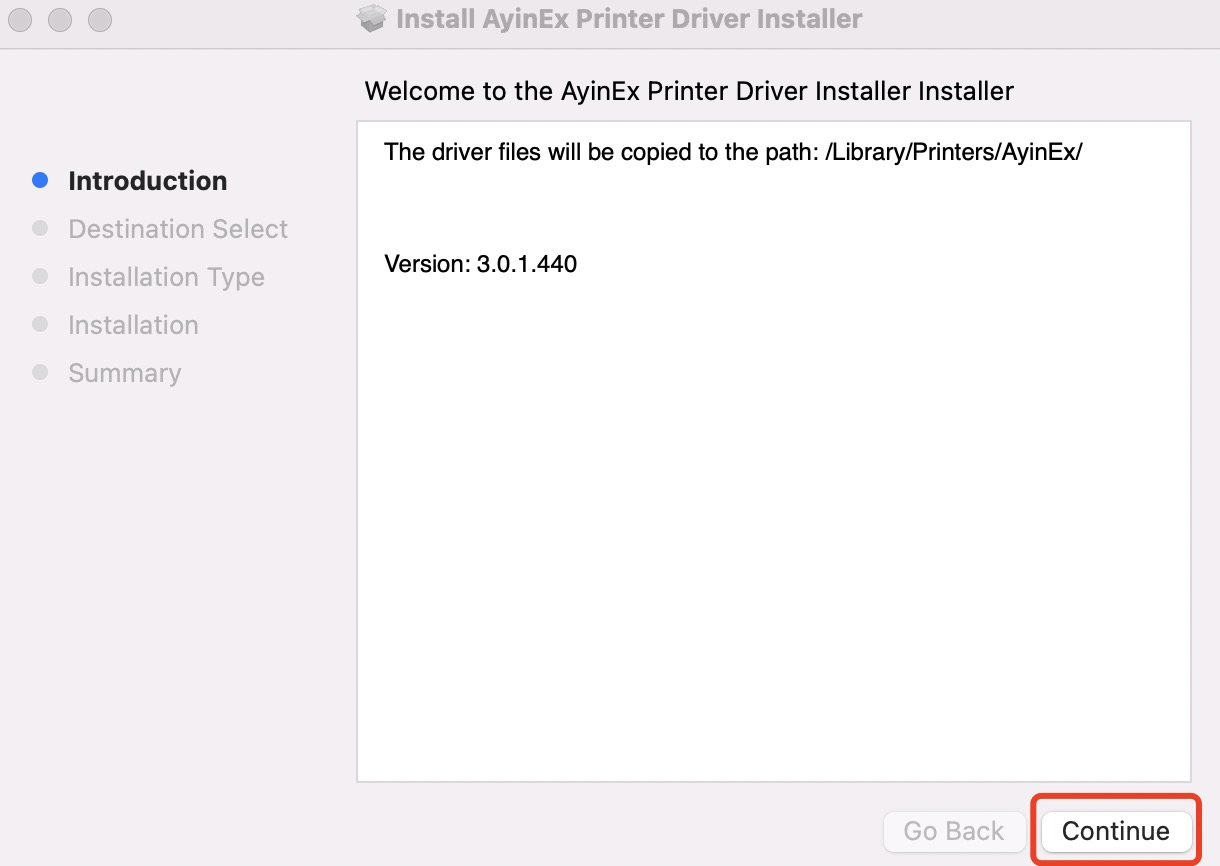
13.Click"Install"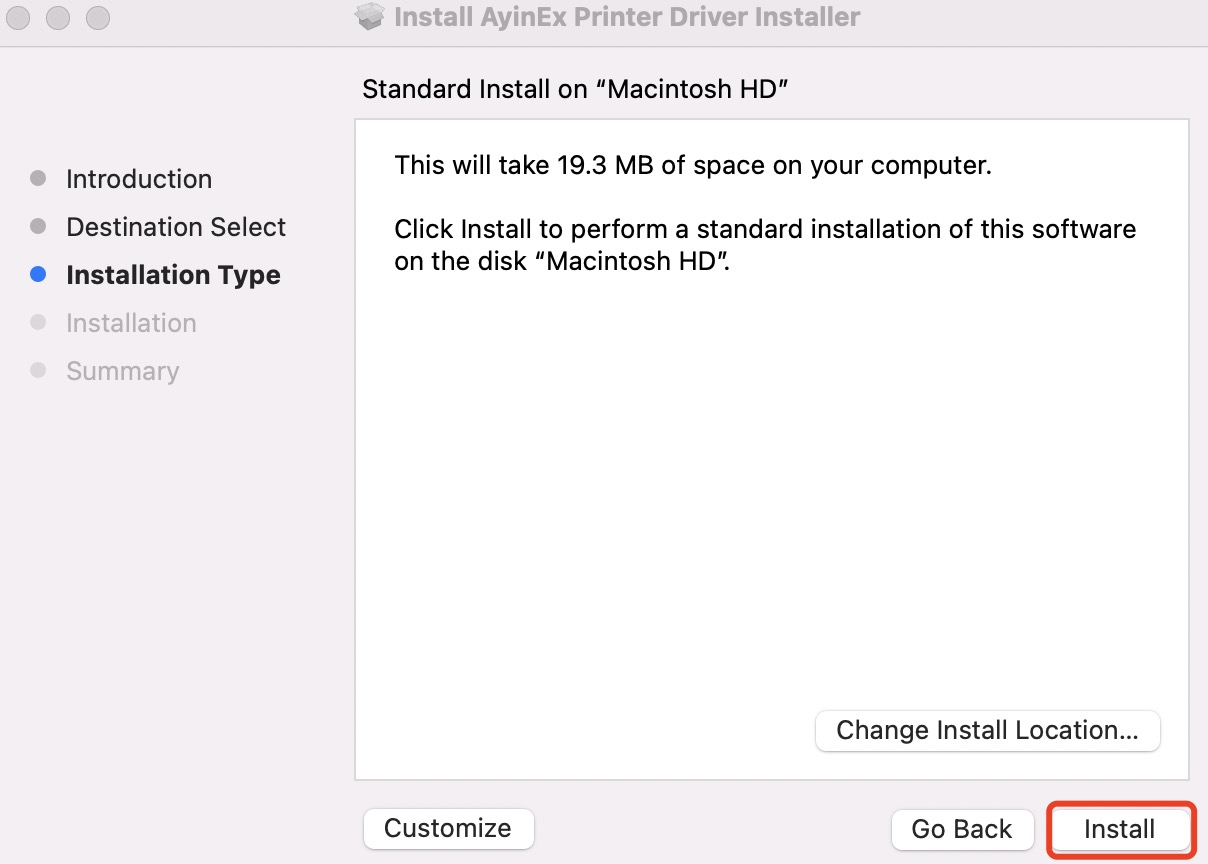
14.Click"Close"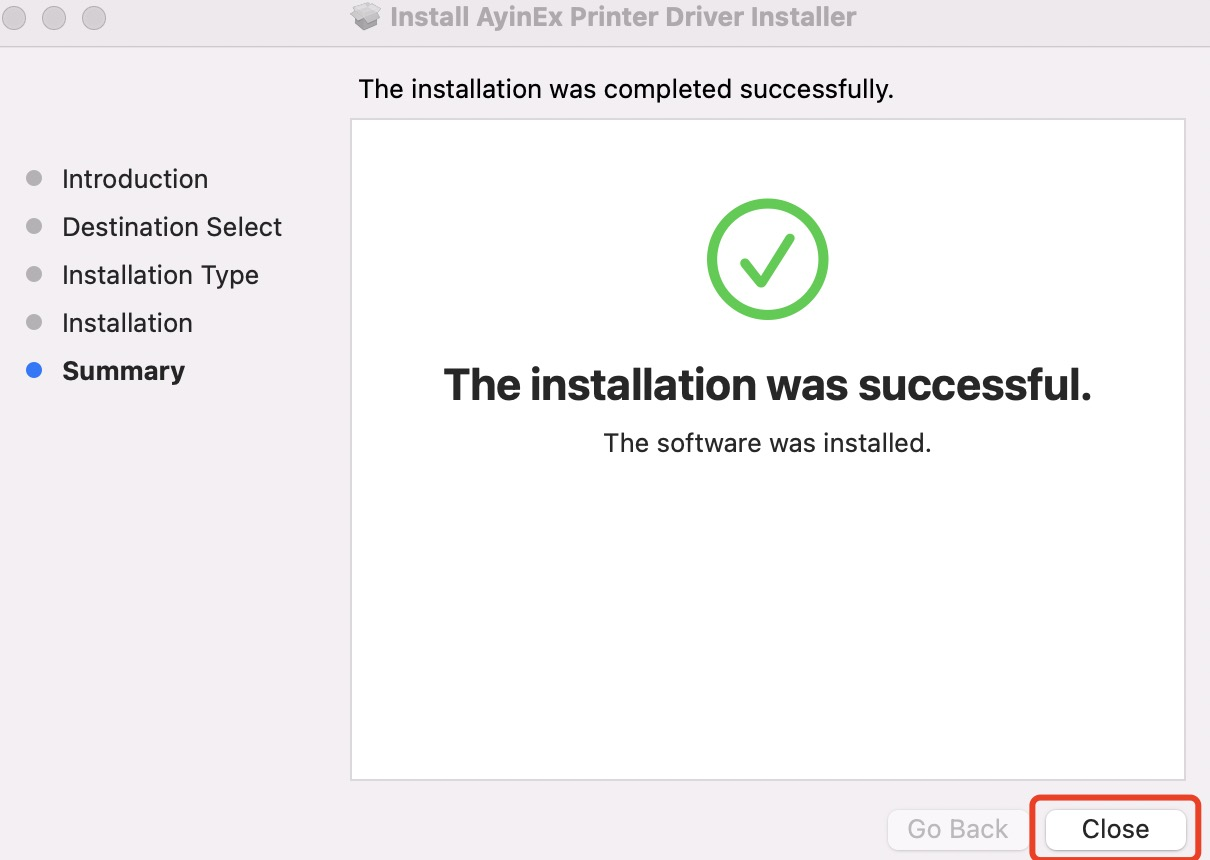
15.Find “Printers&Scanners” in System Settings.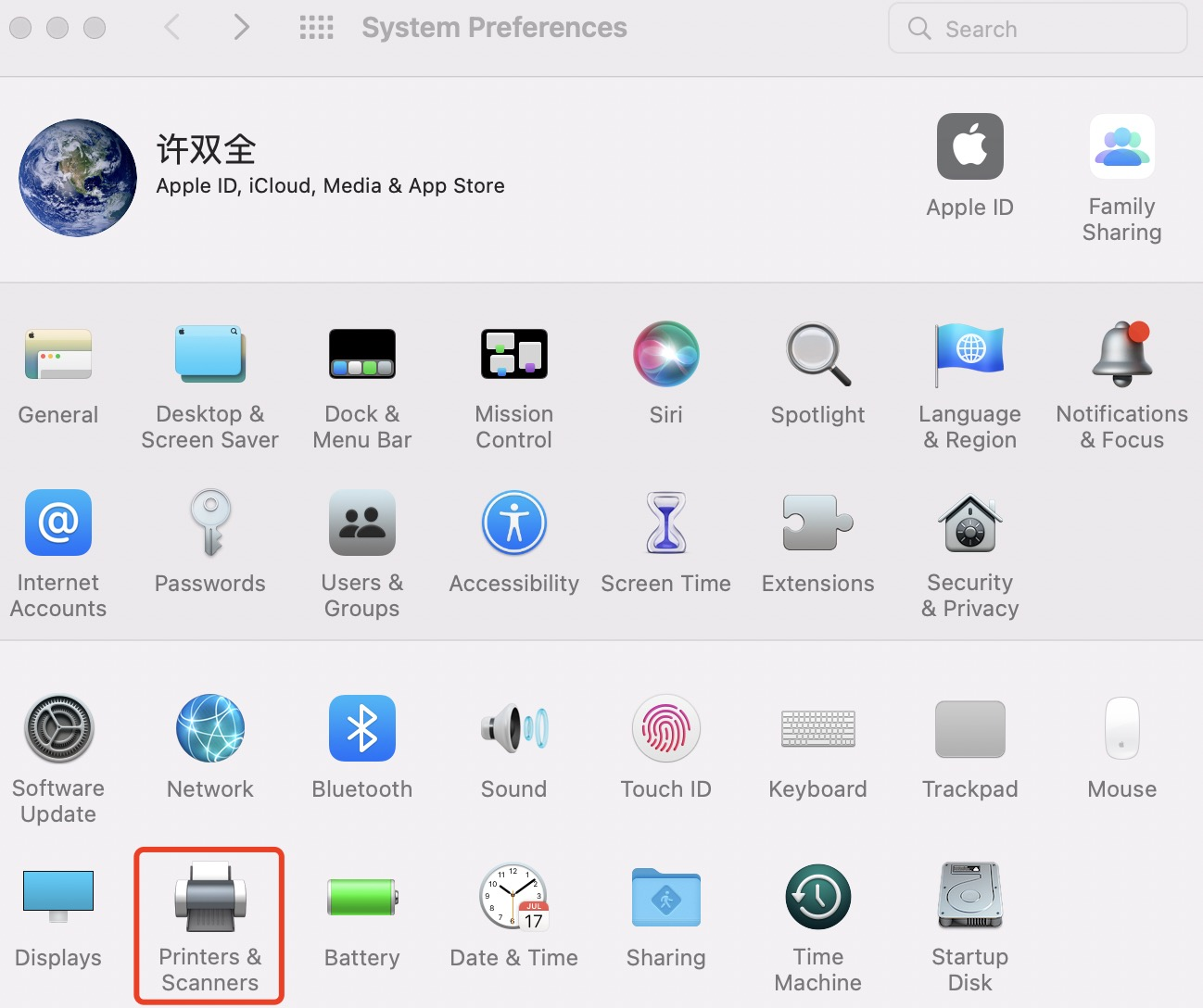
16.Add new printer.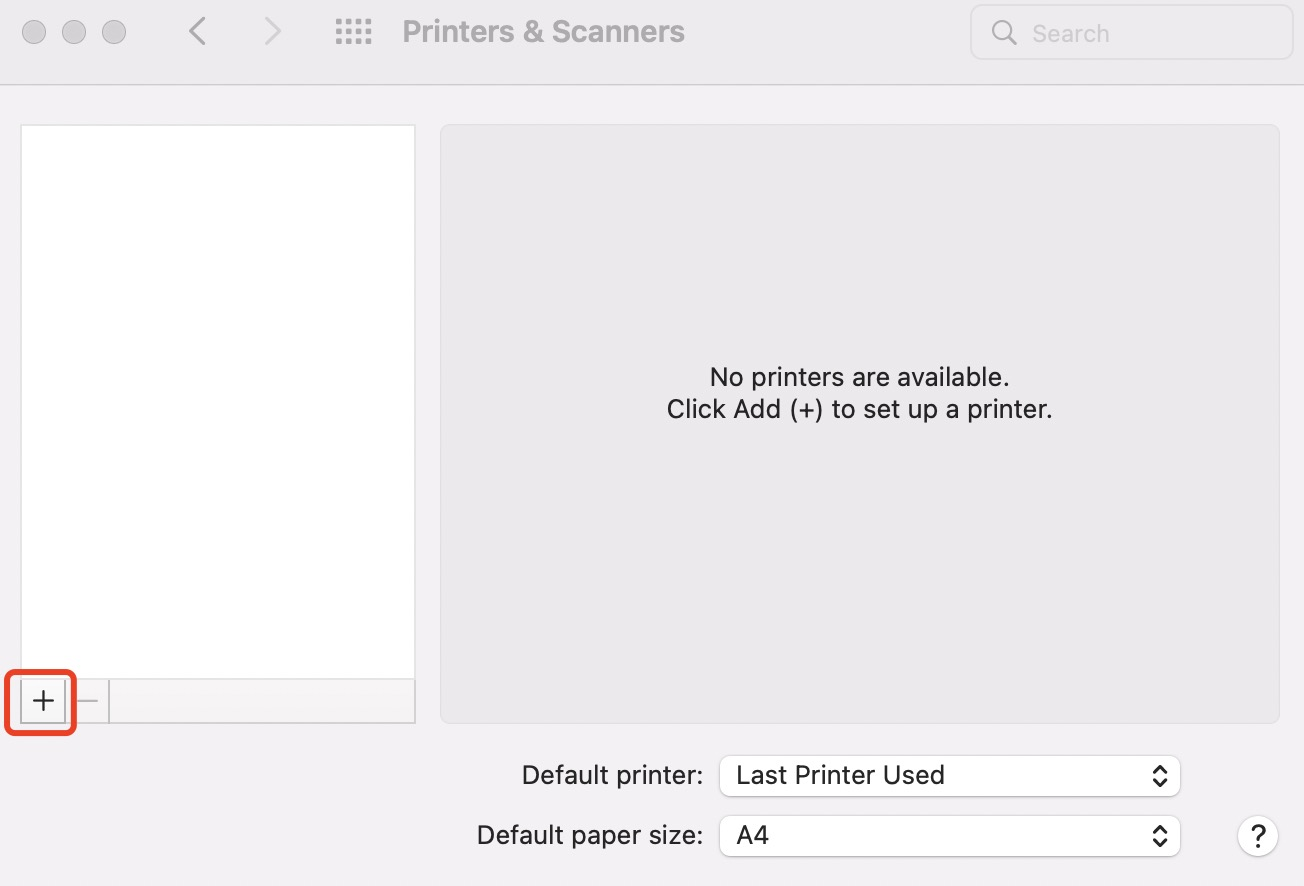
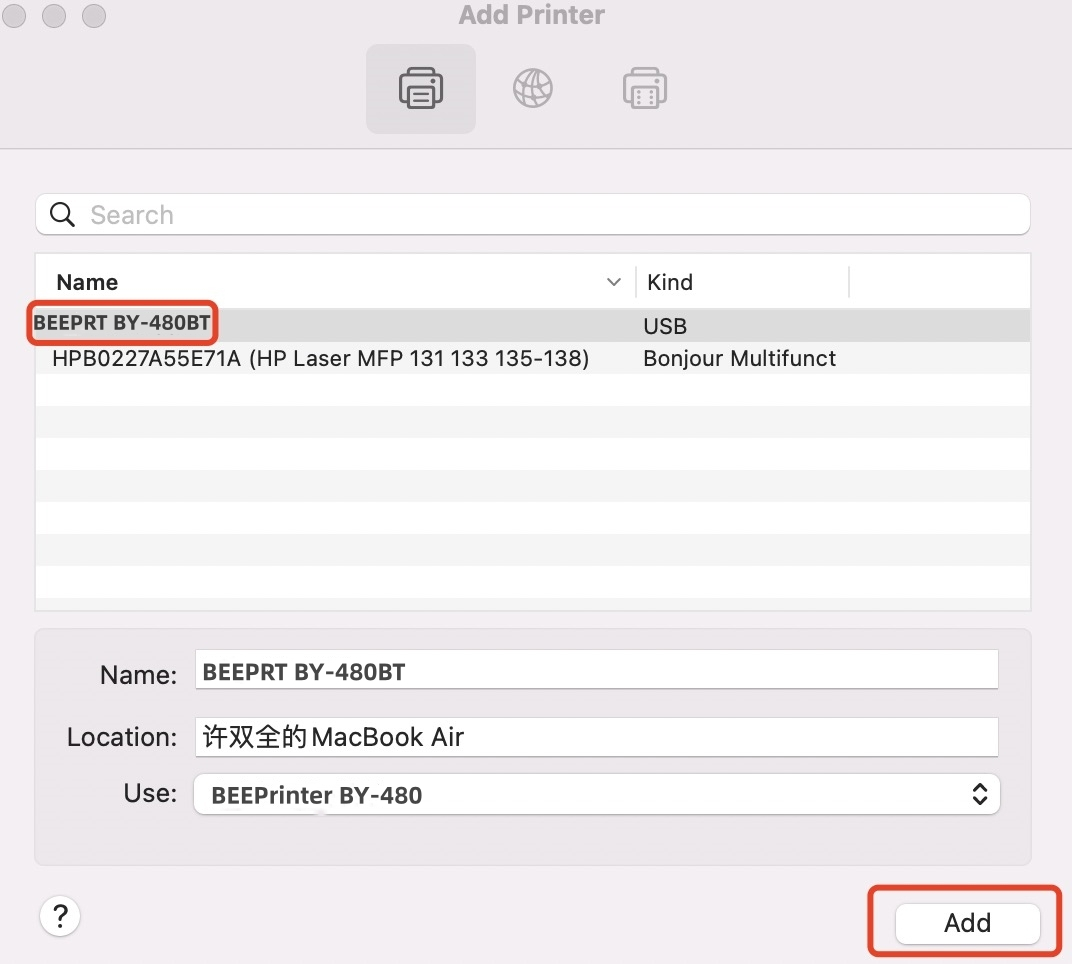
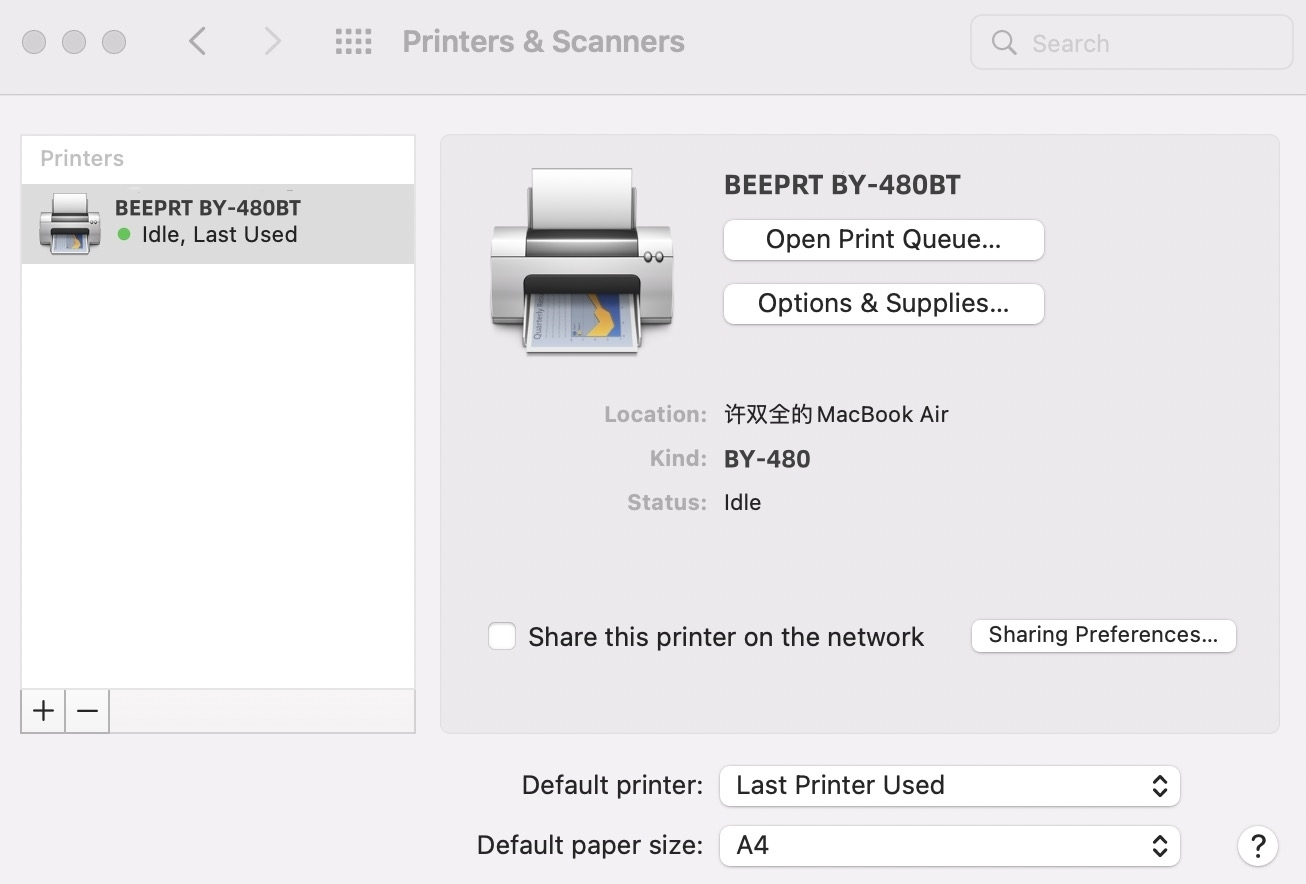
17.The driver was installed successfully. Then print a label. Choose the correct size according to your label size.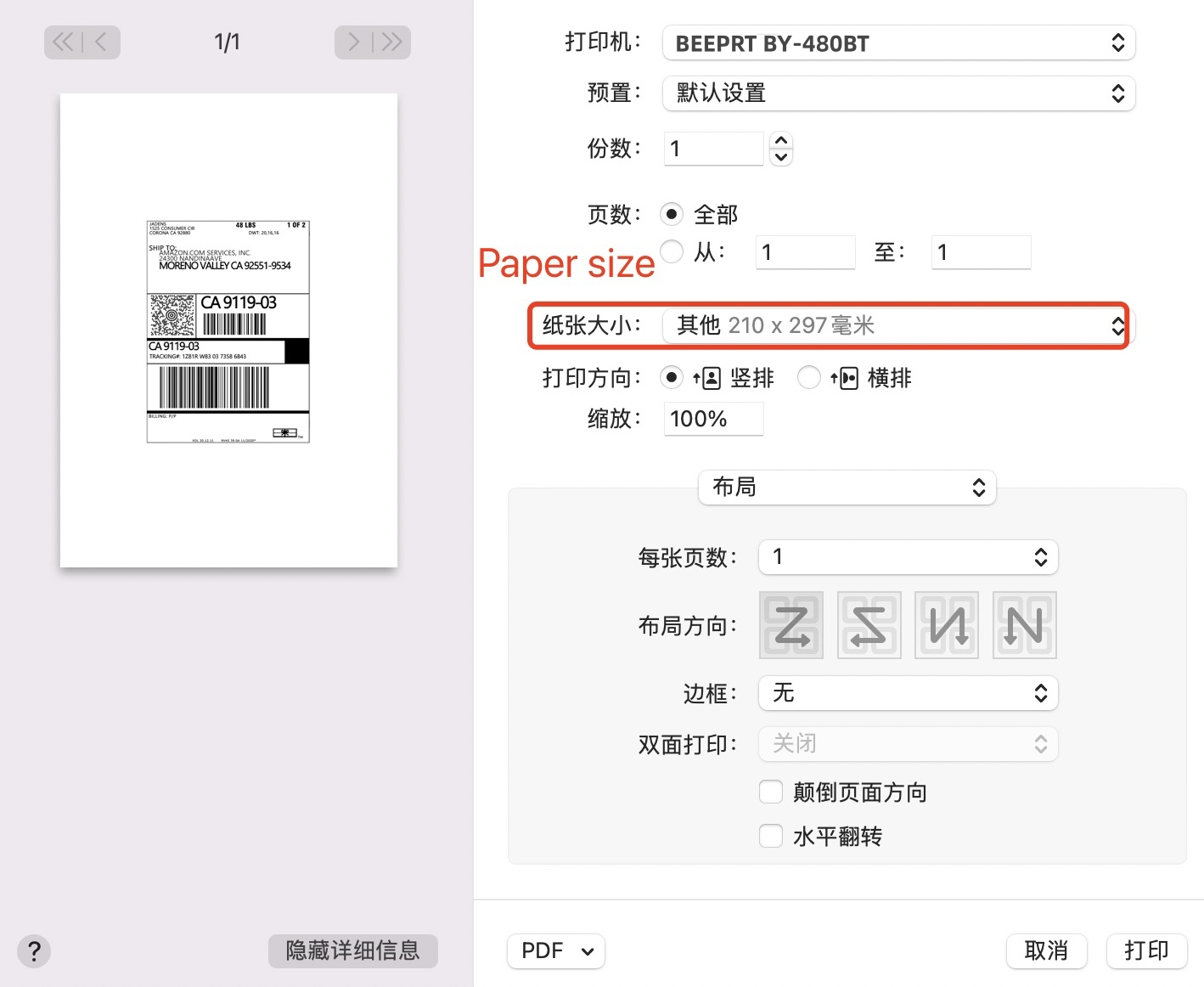
18.Enjoy your printing!Was this article helpful?
That’s Great!
Thank you for your feedback
Sorry! We couldn't be helpful
Thank you for your feedback
Feedback sent
We appreciate your effort and will try to fix the article